
Glipzo
WorldTechnologyBusinessSportsEntertainmentScienceHealthPolitics
Glipzo
WorldTechnologyBusinessSportsEntertainmentScienceHealthPolitics
  1. Home
  2. /
  3. Education
  4. /
  5. Kerala Plus Two Results 2026: How to Check & Download
Kerala Plus Two Results 2026: How to Check & Download

Image: Indian Express

Education
Tuesday, May 26, 20264 min read

Kerala Plus Two Results 2026: How to Check & Download

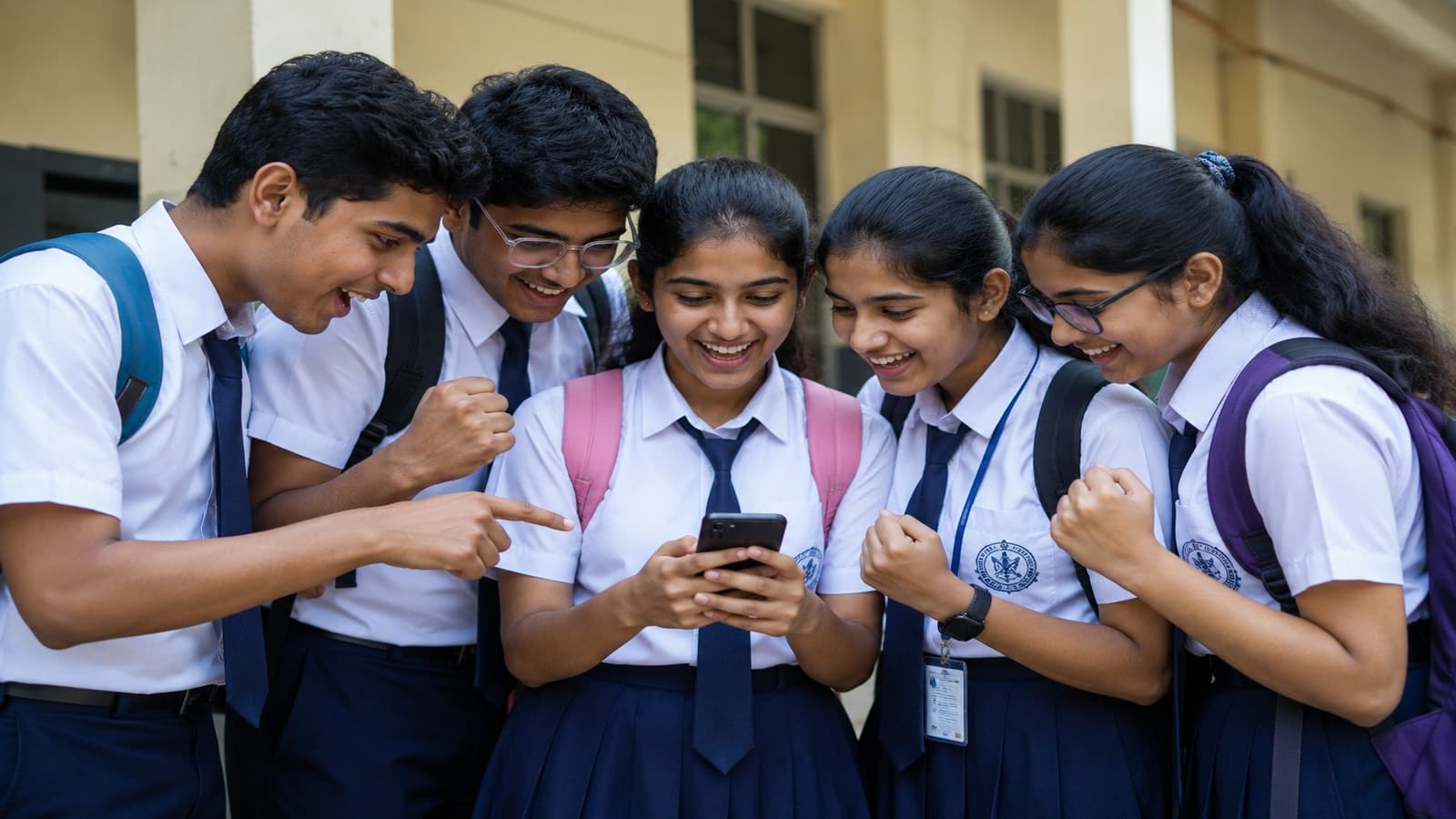
Kerala Plus Two results are out today! Learn how to check them via apps, SMS, and more. Get ready for college admissions now!

Glipzo News Desk|Source: Indian Express
Share
Glipzo

Key Highlights

  • Kerala Plus Two results announced today at 3 PM!
  • Over 4.5 lakh students participated in the exams.
  • Check your results via Saphalam, PRD Live, SMS, and DigiLocker!
  • Last year's pass percentage was 77.81% - what will it be this year?
  • Prepare for college applications and future academic choices!

In this article

  • Kerala Plus Two Results Announcement: What You Need to Know
  • Step-by-Step Guide to Accessing Your Results
  • Using the Saphalam App 1. **Download** the Saphalam app from the **Google Play Store**. 2. **Open** the app and select the **HSE/Plus Two Result 2026** option. 3. **Enter** your **registration number** and **date of birth**. 4. **Click** on **submit**. 5. A new window will display your results. 6. **Download** and save the results for future reference.
  • Using the PRD Live App 1. **Download** the PRD Live app from the app store. 2. **Open** the app and find the **Kerala HSE result link**. 3. Choose **HSE** for the Plus Two result. 4. **Enter** your registration number. 5. Click on **Get Result** or **Submit**. 6. **Save** the displayed result for your records.
  • Checking Results via SMS 1. **Open** your SMS app. 2. Type **KERALA12** followed by a space and your registration number. 3. Send the message to **56263**. 4. Your result will be sent back to the same number.
  • Accessing Results on DigiLocker 1. **Open** the DigiLocker app or visit **digilocker.gov.in**. 2. **Log in** with your credentials (ensure your phone number is Aadhaar linked). 3. Navigate to the **Education Documents** section and search for **(DHSE)** or the **Kerala Class 12th result document**. 4. Select **Kerala Plus Two result 2026**. 5. Enter your **registered mobile number** and **date of birth**. 6. Click on **submit**. 7. Click on **Save to Locker** to store your digital marksheet for future use.
  • Important Context: Why the Plus Two Results Matter
  • What to Expect Next: Future Trends and Information

Kerala Plus Two Results Announcement: What You Need to Know

At 3 PM today, the Directorate of Higher Secondary Education (DHSE) Kerala will unveil the highly anticipated results for the Plus Two examinations. With over 4.5 lakh students having appeared for the exams held from March 6 to March 28, 2026, the moment is critical for many. Students eager to access their results can do so through a variety of channels, ensuring they have multiple options in case of heavy traffic on official websites.

The official portals where results will be accessible include: - keralaresults.nic.in - results.kite.kerala.gov.in - results.kerala.gov.in - dhsekerala.gov.in

In addition to these websites, students can check their results using the Saphalam App, PRD Live App, SMS, and DigiLocker. This multi-faceted approach to result verification is designed to make the process as smooth as possible for students.

Step-by-Step Guide to Accessing Your Results

To make the process easier for students, here’s a detailed guide on how to check your Plus Two results through various methods:

Using the Saphalam App 1. **Download** the Saphalam app from the **Google Play Store**. 2. **Open** the app and select the **HSE/Plus Two Result 2026** option. 3. **Enter** your **registration number** and **date of birth**. 4. **Click** on **submit**. 5. A new window will display your results. 6. **Download** and save the results for future reference.

Using the PRD Live App 1. **Download** the PRD Live app from the app store. 2. **Open** the app and find the **Kerala HSE result link**. 3. Choose **HSE** for the Plus Two result. 4. **Enter** your registration number. 5. Click on **Get Result** or **Submit**. 6. **Save** the displayed result for your records.

Checking Results via SMS 1. **Open** your SMS app. 2. Type **KERALA12** followed by a space and your registration number. 3. Send the message to **56263**. 4. Your result will be sent back to the same number.

Accessing Results on DigiLocker 1. **Open** the DigiLocker app or visit **digilocker.gov.in**. 2. **Log in** with your credentials (ensure your phone number is Aadhaar linked). 3. Navigate to the **Education Documents** section and search for **(DHSE)** or the **Kerala Class 12th result document**. 4. Select **Kerala Plus Two result 2026**. 5. Enter your **registered mobile number** and **date of birth**. 6. Click on **submit**. 7. Click on **Save to Locker** to store your digital marksheet for future use.

Important Context: Why the Plus Two Results Matter

The Kerala Plus Two results are not just numbers; they represent the culmination of years of hard work and determination for students in the state. The previous year, in 2024, the results were announced on May 22, with an overall pass percentage of 77.81%. This year, the results will help students make crucial decisions regarding their future, including college admissions and career paths.

The multi-channel access to results is particularly significant, as it ensures that all students can retrieve their scores without undue stress, especially during peak access times when official websites may experience high traffic. Providing various platforms, including mobile apps and SMS services, reflects the commitment of the DHSE Kerala to support students through technology.

What to Expect Next: Future Trends and Information

As the results are released, students will be eager to know not only their scores but also the implications for their future academic pursuits. Colleges and universities will soon begin the admission process, and students will need to be prepared with their results in hand.

In the coming days, students should keep an eye on announcements regarding: - Admission processes for various courses. - Counseling sessions and guidelines for college selections. - Updates on re-evaluation or rechecking processes for those who may wish to contest their scores.

This year's results will provide a pivotal moment for many, and the education system in Kerala continues to evolve, integrating technology into traditional processes to enhance the student experience. As students step into this new chapter, they should remain informed and proactive in making decisions that will shape their academic and professional futures.

Stay tuned for more updates as the situation develops, and good luck to all students awaiting their results!

Did you find this article useful? Share it!

Share

Related Articles

Major PSEB Policy Change after Student's Bold Question
Education
Jun 1, 2026

Major PSEB Policy Change after Student's Bold Question

Amritsar student questions age-based ranking, prompting Punjab CM to reform PSEB policies. A significant change towards merit-based recognition is underway.

Indian Express
AP EAMCET 2026 Results: How to Access Your Scorecard Now
Education
Jun 1, 2026

AP EAMCET 2026 Results: How to Access Your Scorecard Now

AP EAMCET 2026 results are out! Discover how to check your scorecard and navigate the upcoming counselling process for college admissions.

Indian Express

CBSE’s OSM Rollout Faces Backlash Amid Student Concerns
Education
Jun 1, 2026

CBSE’s OSM Rollout Faces Backlash Amid Student Concerns

CBSE's new OSM system faces backlash as students struggle with re-evaluation. Will their futures be jeopardized by technical flaws?

Indian Express

Categories

  • World
  • Technology
  • Business
  • Sports

More

  • Entertainment
  • Science
  • Health
  • Politics

Explore

  • Web Stories
  • About Us
  • Contact

Legal

  • Privacy Policy
  • Terms of Service
  • Disclaimer

© 2026 Glipzo. All rights reserved.